
Cómo integrar tu ERP con WhatsApp para notificaciones automáticas
Learn how to integrate your ERP with WhatsApp to automate customer notifications, reduce administrative work, and scale your business operations efficiently.
How to Integrate Your ERP with WhatsApp for Automated Notifications
In today's fast-paced business environment, speed is the ultimate currency. For companies in the Dominican Republic and across Latin America, the ability to communicate instantly with customers is no longer a luxury—it is a survival requirement. Implementing an erp whatsapp integration is one of the most effective ways to bridge the gap between your internal operations and your customer's experience.
What is ERP WhatsApp Integration?
An erp whatsapp integration is a technical bridge that connects your Enterprise Resource Planning (ERP) system directly to the WhatsApp Business API. This connection allows your software to trigger automated, real-time messages based on specific events within your business processes, such as order confirmations, shipping updates, or payment reminders, without human intervention.
By centralizing your communication, you move away from manual data entry and fragmented customer service. If you are still relying on spreadsheets, you might want to check our guide on how to move from Excel to an ERP to understand the foundational shift required for this level of automation.
Why Your Business Needs This Integration Now
Many companies struggle with "operational chaos," where sales teams are disconnected from inventory, and customers are left waiting for status updates. An erp whatsapp integration solves this by:
* Reducing Administrative Burden: Automate repetitive tasks like sending invoices or tracking numbers. * Improving Customer Satisfaction: Provide instant gratification with real-time updates. * Ensuring Accuracy: Eliminate human error by pulling data directly from your system of record. * Scaling Operations: Handle thousands of notifications without needing to hire more staff.
For a deeper dive into why centralizing your data is the first step toward this, read our article on how technology centralizes operations for growing companies.
Key Use Cases for ERP and WhatsApp Automation
1. Automated Order Confirmations
As soon as a sale is finalized in your ERP, a WhatsApp message is triggered to the customer confirming the order details. This builds immediate trust.2. Real-time Shipping and Logistics Updates
Keep customers informed about their delivery status. When your logistics module updates a status to "Out for Delivery," the customer receives a notification automatically.3. Payment and Invoice Reminders
Integrate your accounting module to send friendly payment reminders or digital invoices. This is particularly useful for compliance with local regulations; learn more about how to automate invoice capture with AI.Technical Considerations for a Successful Integration
Implementing an erp whatsapp integration is not just about connecting two pieces of software; it is about engineering a process. You must ensure your ERP has a robust API, and you must use the official WhatsApp Business API to avoid account bans.
If you are currently evaluating your software stack, compare your options by reading Zoho vs Bitrix24: Which is the best CRM for growing companies?.
How to Get Started Without the Chaos
At AA High Tech, we specialize in helping companies in the Dominican Republic navigate digital transformation. We don't just write code; we design ecosystems. Whether you need to comply with DGII electronic invoicing regulations or want to implement operational AI to reduce costs, we provide the expertise to ensure your project succeeds.
For those just beginning their journey, we recommend reviewing our guide on digital transformation in the Dominican Republic to avoid common pitfalls.
Conclusion
The future of business is automated, transparent, and customer-centric. By integrating your ERP with WhatsApp, you are not just adding a feature; you are building a scalable foundation that allows your business to grow without the typical operational bottlenecks.
Ready to transform your operations? Let's build your custom integration today.
Preguntas Frecuentes
A: Yes, when using the official WhatsApp Business API and secure, encrypted middleware, your data remains protected and compliant with privacy standards.
A: No. The goal of a professional integration is to create a "set it and forget it" system. AA High Tech manages the technical complexity so you can focus on your business.
A: Absolutely. You can use variables from your ERP (like customer name, order number, and total amount) to send highly personalized, automated messages.
A: While the integration focuses on communication, it works hand-in-hand with your ERP’s fiscal modules to ensure that customers receive their e-CF (Electronic Fiscal Receipts) immediately via WhatsApp.
Optimiza tu operación hoy con AA High Tech
Comenzar AhoraArtículos Relacionados

Integración de WhatsApp en tu CRM/ERP: Guía técnica 2026
Descubre cómo la integración de WhatsApp en sistemas CRM/ERP puede automatizar tus procesos, centralizar la comunicación y escalar tu negocio sin caos.

Control de inventario en Excel: Mejores prácticas para 2026
Aprende a estructurar tu inventario en Excel y descubre cuándo es el momento crítico para migrar a un sistema ERP automatizado y escalar tu negocio sin caos.

Tutorial: How to Build a Sales System in Excel and Its Limitations
Learn how to build a sales system in Excel step-by-step and discover when your company needs to migrate to an automated ERP to scale without operational chaos.

Tutorial: Cómo crear un sistema de ventas en Excel y sus limitaciones
Aprende a crear un sistema de ventas en Excel paso a paso y descubre cuándo tu empresa necesita migrar a un ERP automatizado para escalar sin caos operativo.
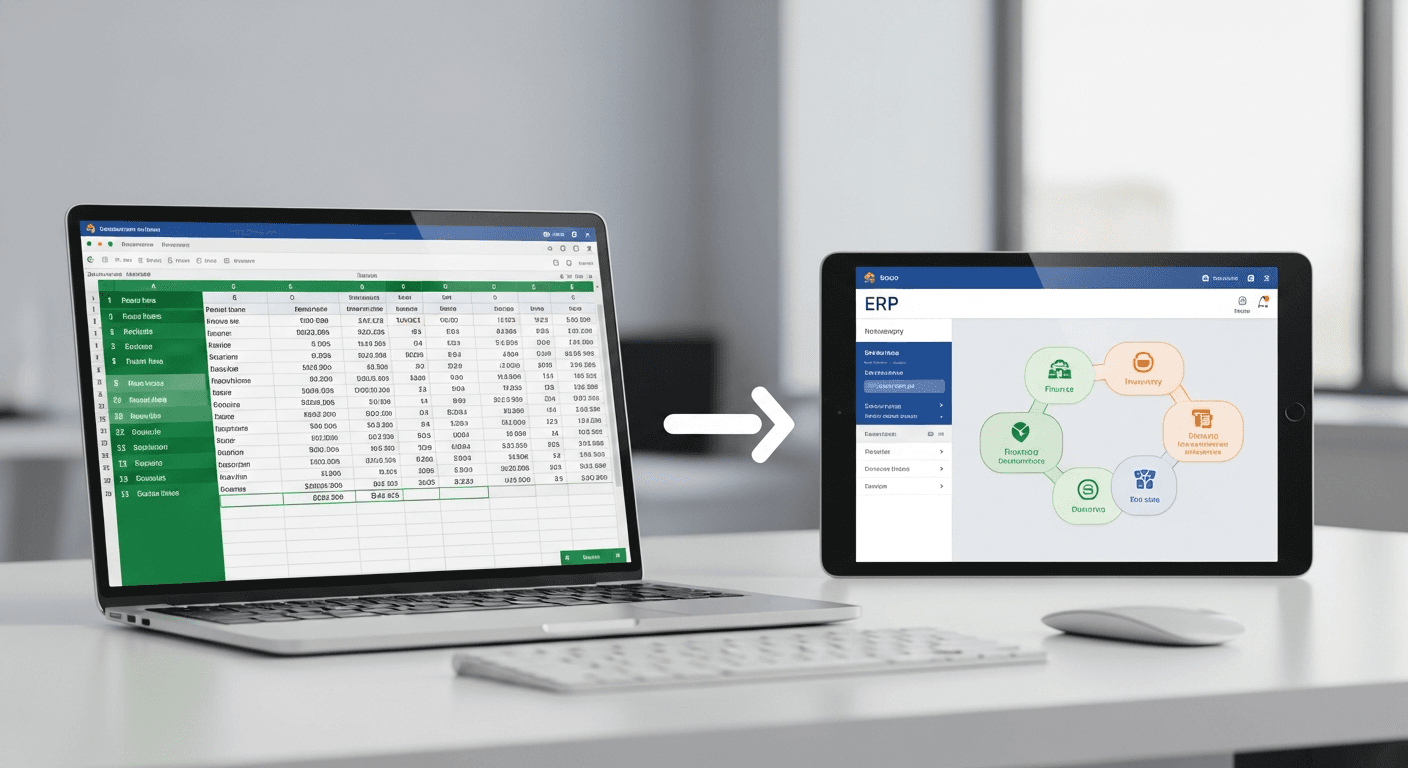
Tutorial: Cómo llevar un control de inventario en Excel (y cuándo migrar a un ERP)
Aprende a llevar un control de inventario en Excel paso a paso y descubre las señales operativas que indican cuándo es momento de migrar a un sistema ERP.